
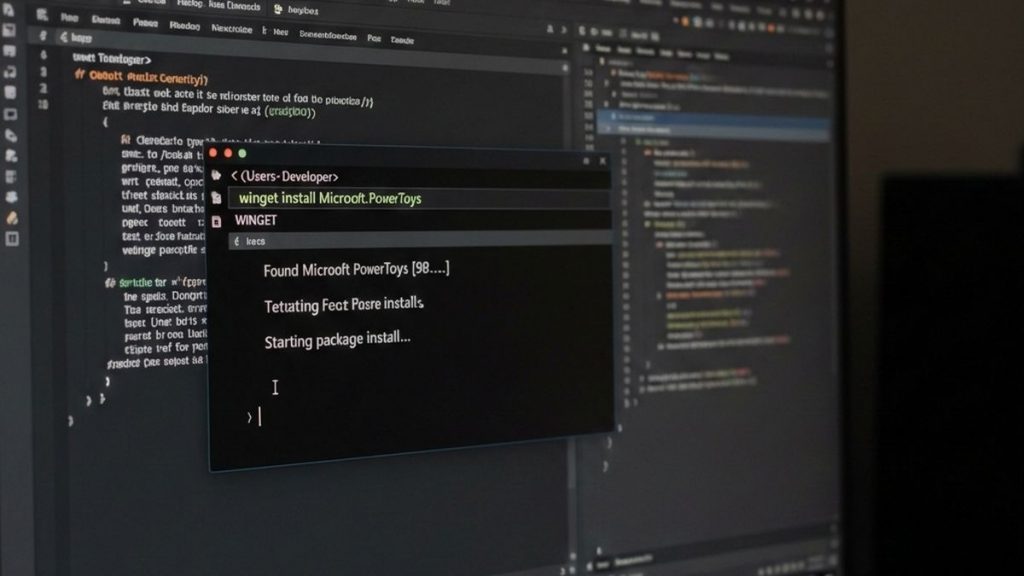
Windows has a mass installer/updater, like in Linux, for Windows 10 and 11 versions. It is very easy to use:
winget list
This command asks us if we accept the conditions (Y) and shows us a list of everything we have installed that can be updated and what cannot.
winget upgrade
It shows us the list of programs that can be updated. If we type ‘winget upgrade programID’, it only updates this one.
winget upgrade --all
It updates everything it can, not just Microsoft programs. Sometimes it asks for permission or opens an installer window.
winget search programname
It searches for programs with the name ‘programname’ and, if it finds one, tells us which version it is going to download. It is not necessary to have it installed beforehand.
winget uninstall IDprogramname
We uninstall the ‘IDprogramname’ program.
If you change computers, winget can export a list of programs from your old PC so that they are automatically installed on your new one:
winget export -o C:\programlist.json
It does not warn you about programs that it cannot export, usually because they are Windows programs. Now you just need to copy the .json file to the new PC and run winget:
winget import -i C:\programlist.json
Some programs may not be able to import it, but most can. It is very useful.
Finally, it should be noted that if Windows does NOT recognize this “Winget” command, we can force its installation with the following command:
Get-AppxPackage -AllUsers *DesktopAppInstaller* | Foreach {Add-AppxPackage -DisableDevelopmentMode -Register "$($_.InstallLocation)\AppXManifest.xml"}